
Activations Glossary
This glossary defines terms used in the Activations product and documentation. Where terms have changed, their former Census names appear in italics next to the current term.
For definitions of general Fivetran terms, see the Fivetran glossary.
Activations, formerly Census
Activations is a reverse ETL product that moves data from your data warehouse or data lake into your business applications. With Activations, you can:
- Leverage pre-built, automated rETL pipelines that require no code or APIs
- Deliver insights directly into the business tools where your teams make decisions
- Improve data access with self-service data enrichment features
Combine Activations with Fivetran connections for bidirectional data movement.
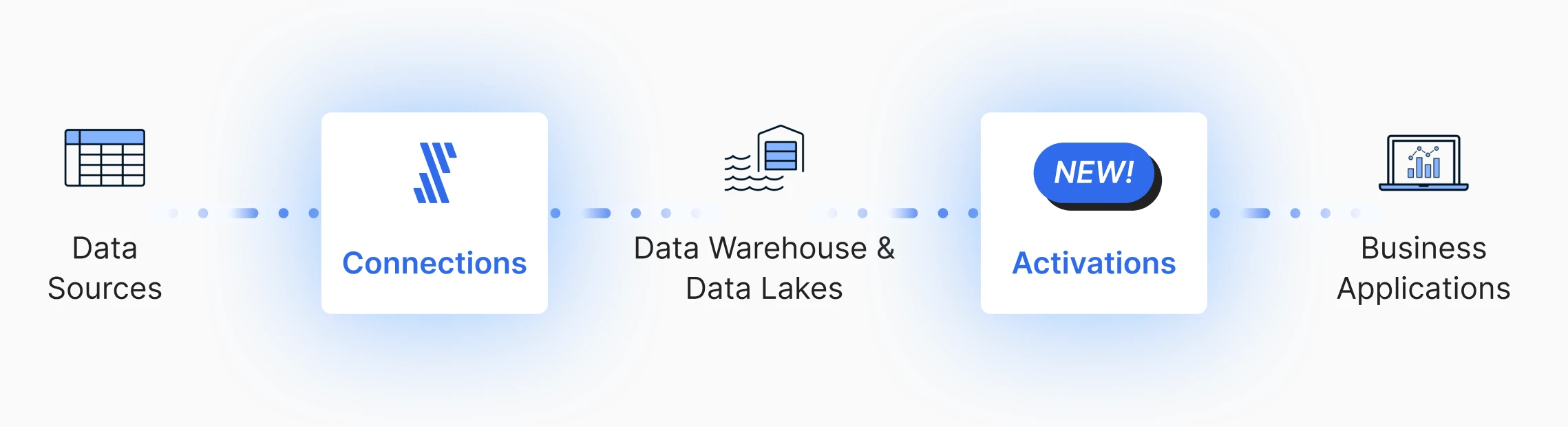
Activation
An activation is a reverse ETL data pipeline that moves datasets from a source to a destination. It groups together all of the activation syncs that use the same instances of source–destination pairings.
Activation sync, formerly sync
An activation sync maps a dataset from an activation source to an activation destination.
Activation sync run, formerly sync run
An activation sync run is a single execution of an activation sync.
Activation source, formerly source
An activation source is the system that your data comes from.
Activations supports the following source types:
- Data warehouses
- Data lakes
- Databases
- Cloud storage
Activation destination, formerly destination
An activation destination is the system into which your data is synced. Multiple activation syncs can update the same destination.
Activations supports the following destination types:
- Analytics & data
- Business applications
- Customer support
- Databases and data warehouses
- Infrastructure (such as AI and developer tools)
- Marketing & advertising
- Sales & CRM
- File storage & spreadsheets
Destination object
A destination object is the data entity in your activation destination, such as a contact or company, where your synced data is delivered. Multiple syncs may write to the same destination object.
Migrate/migration
To migrate your Census account is to move it onto the Fivetran platform. Once the migration process is complete, you can no longer access it through getcensus.com. All of your users, connections, datasets, and syncs will remain untouched. You can find them on the Activations tab of the Fivetran dashboard.
You must migrate your Census account to Fivetran by April 1, 2026. Learn how to migrate your account and how billing will change in the Census Migration FAQ.