
Box
This page describes how to use Activations with Box.
Getting Started
- Navigate to the Destinations page in Activations and click New Destination.
- Select Box from the menu.
- Complete the OAuth flow to grant Activations access to your Box instance.
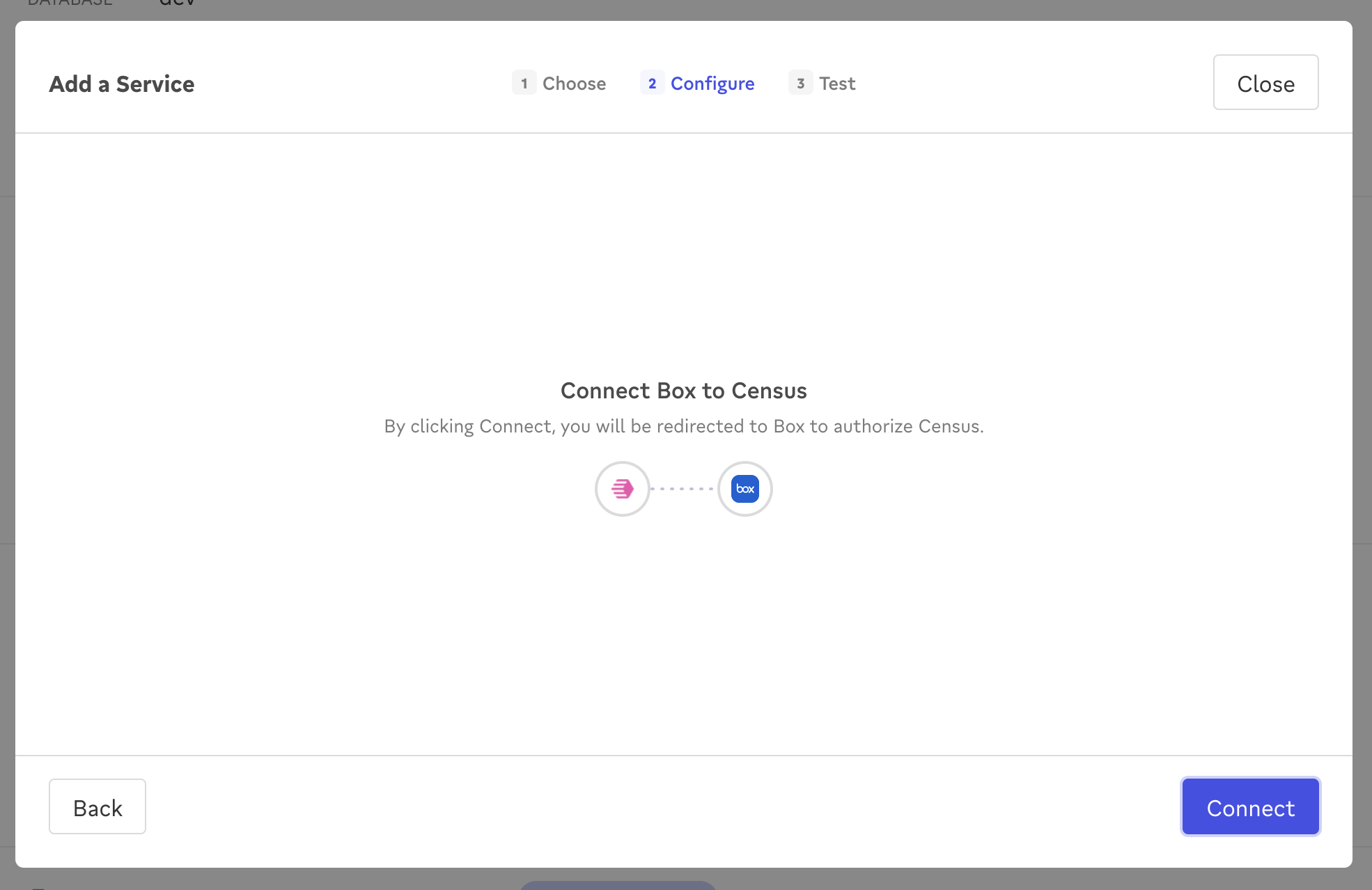
Grant Activations access to your Box account.
️ File Path Variables
When defining the file path for a Box sync, you can use variables that will be set when the sync runs. This allows you to create and sync to new files in the Box folder that reflect the date and time of the sync.
| Variable | Description | Example Values |
|---|---|---|
%yyyy | 4-digit year | 1997 |
%y | 2-digit year | 97 |
%m | month with zero padding | 07, 12 |
%-m | month without zero padding | 7, 12 |
%d | day with zero padding | 03, 23 |
%-d | day without zero padding | 3, 23 |
%H | 24 hour with zero padding | 08, 18 |
%k | 24 hour without zero padding | 8, 18 |
%I | 12 hour with zero padding | 08, 12 |
%l | 12 hour without zero padding | 8, 12 |
%M | minute with zero padding | 04, 56 |
%S | second with zero padding | 06, 54 |
Advanced Configuration
You can set a File Name Timestamp Offset (seconds) to shift the timestamp tokens in your file path earlier or later. For example, an offset of -86400 shifts the timestamp back 24 hours. The offset is resolved in UTC and reflected in the file path preview when setting up a sync. Leave this field blank to keep the default of 0.
Supported Sync Behaviors
| Behavior | Supported? | Objects |
|---|---|---|
| Replace | ✅ | All |
Our current Box integration only supports files up to 50MB in size. If you need support for larger files, please let us know!
Learn more about all of our sync behaviors in our Syncs documentation.
Contact Support if you want Activations to support more sync behaviors for Box.