
Constant Contact
This page describes how to use Activations with Constant Contact.
Getting Started
- Navigate to the Destinations page in Activations and click New Destination.
- Select Constant Contact from the menu.
- When prompted, log into your Constant Contact account to authorize Activations.
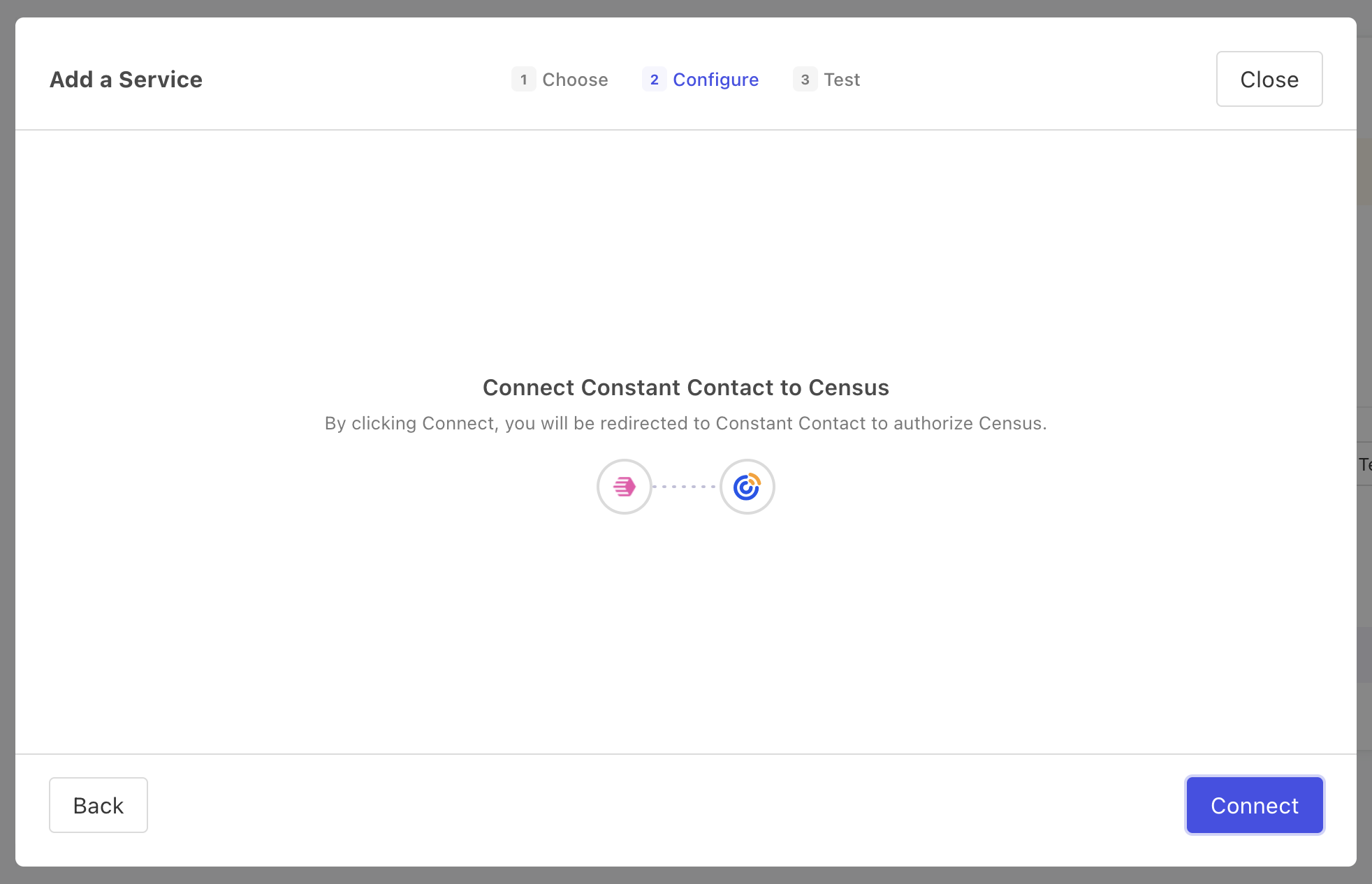
Log into your Constant Contact account when prompted to do so.
Supported Objects and Behaviors
| Object Name | Supported? | Sync Keys | Behaviors |
|---|---|---|---|
| Contact | ✅ | Update or Create |
Note: when syncing contacts from Activations, List Ids is a required field. This needs to be an array of strings, each of which is the ID (not name) of an existing contact list in Constant Contact.
Contact Support if you want Activations to support more Constant Contact objects and/or behaviors.