
FullStory
This page describes how to use Activations with FullStory
Getting Started
1. Generate a FullStory API Key
In your FullStory account:
- Navigate to Settings > Service Accounts
- Click Create key
- Hold onto this API Key for the next section, you'll need it!
Learn more about FullStory API Keys in the FullStory API key documentation.
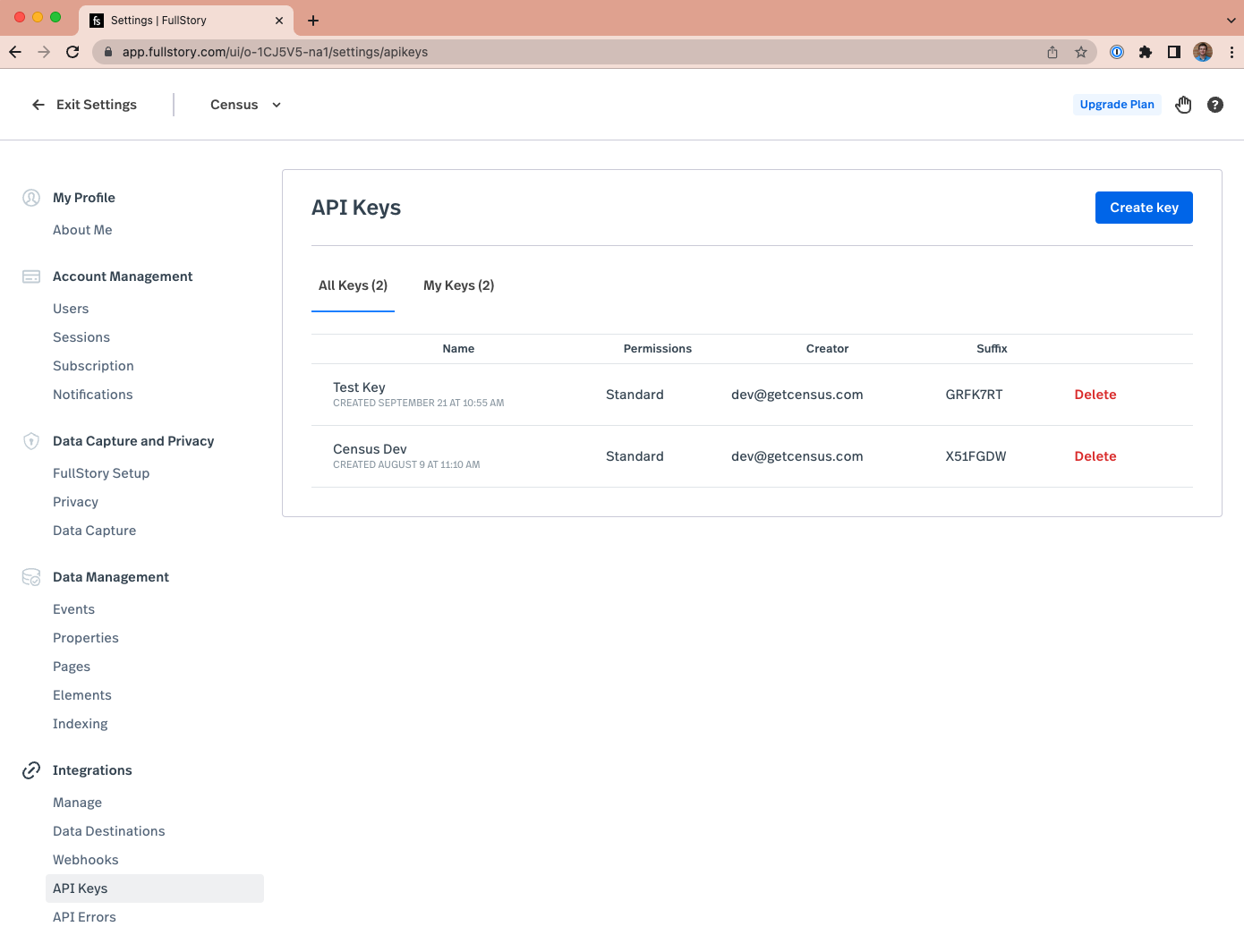
Under Settings in FullStory, you can create an API Key
2. Connect FullStory to Activations
- Head back to Activations and navigate to Destinations.
- Click the New Destination button.
- Select FullStory in the dropdown list.
- Paste your FullStory account's API Key. Save your connection and if everything is set up correctly, you should see a successful connection test verifying the connection.
Supported Objects and Sync Behaviors
| Object Name | Supported? | Identifiers | Behaviors |
|---|---|---|---|
| User | ✅ | uid (FullStory User Unique Id) | Update Only |
Learn more about all of our sync behaviors in our Syncs documentation.
Contact Support if you want Activations to support more Fullstory objects and/or sync behaviors