
Partnerstack
This page describes how to use Activations with PartnerStack.
PartnerStack is a partner relationship management platform that helps you manage and scale your partnerships. Use Activations to send customer attributes and transaction events to PartnerStack automatically.
Getting Started
- Navigate to the Destinations page in Activations and click New Destination.
- Select PartnerStack from the menu.
- Open the PartnerStack app in another window. Go to Settings > Integrations and copy the relevant API keys (either Test or Production).
- Return to Activations and paste them into the Public Key and Secret Key fields, respectively.
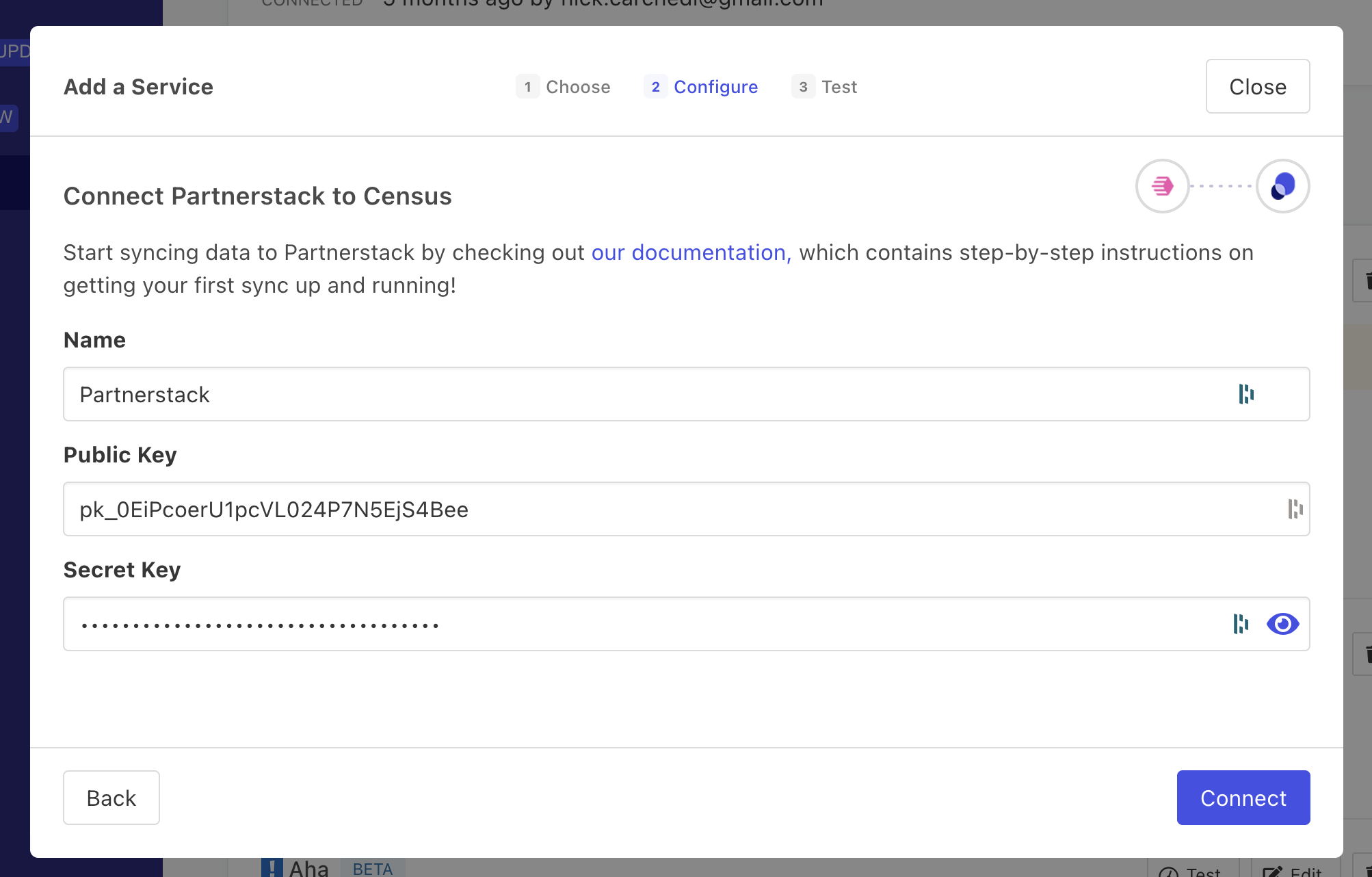
Get your API keys from the PartnerStack app.
Supported Objects and Sync Behaviors
| Object Name | Supported? | Sync Keys | Behaviors |
|---|---|---|---|
| Customer | ✅ | Customer Key | Update or Create, Update Only |
Transaction | ✅ | Unique Identifier | Send |
Learn more about all of our sync behaviors in our Syncs documentation.
Contact Support if you want Activations to support more Partner Stack objects and/or behaviors
Transactions
Transactions are sent to PartnerStack as events so each transaction must have a unique identifier so Activations can correctly identify them, but that ID is not passed along to PartnerStack. Transactions need to be associated with a customer in PartnerStack, so you must include at exactly one of the following keys in your transaction data:
- customer_key - The PartnerStack unique identifier for the customer
- customer_external_key - Your unique identifier for the customer
- customer_email - The customer's email address