
Freshsales
This page describes how to use Activations with Freshsales.
Getting Started
1. Generate a Freshsales API Key
In your Freshsales Account:
1) Navigate to My Accounts
2) Click on your /crm/sales account
3) Click on your user icon in the top right corner > Personal Settings
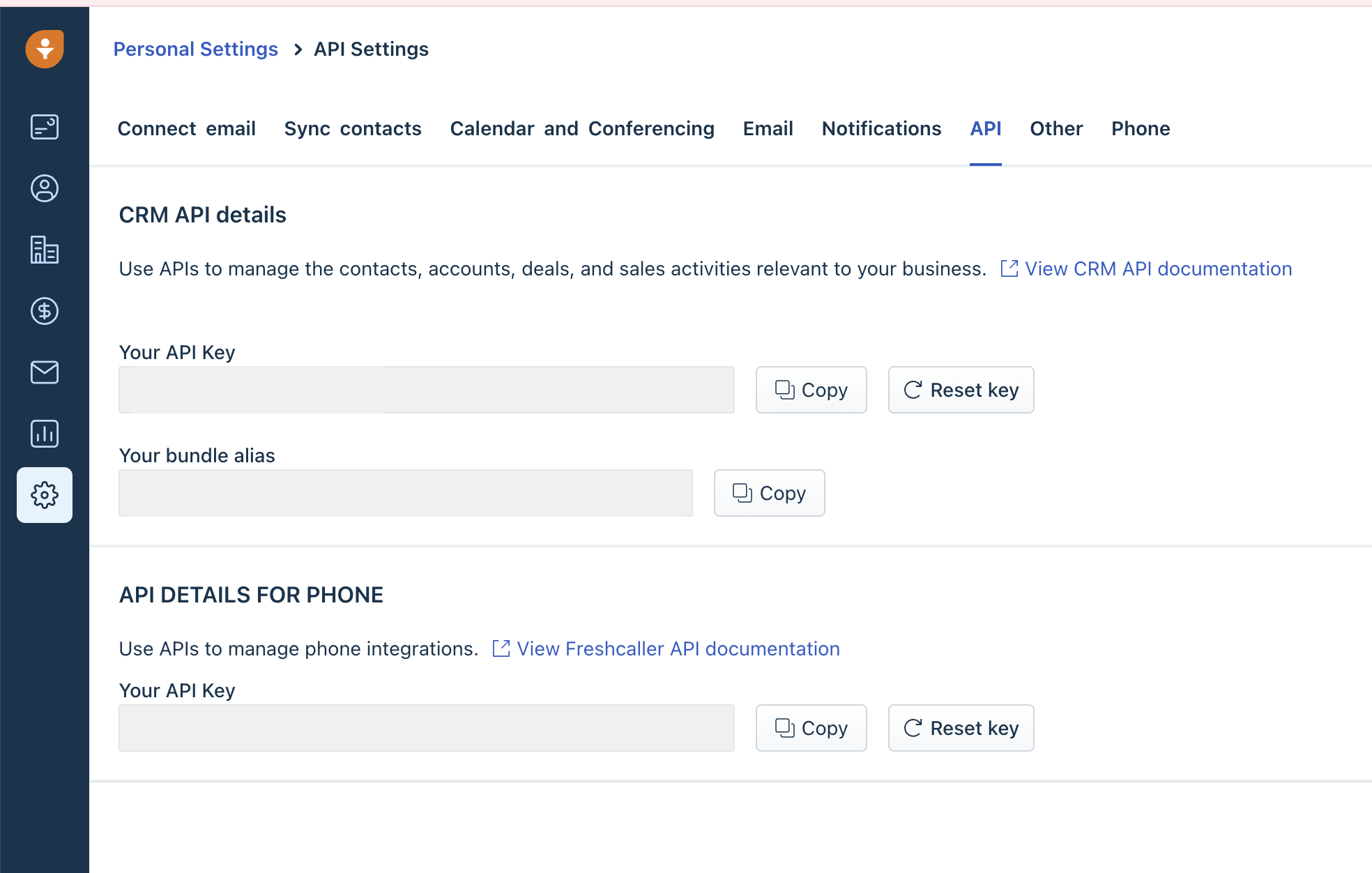
4) Go to the API tab
5) Copy Your API Key
2. Connect Freshsales to Activations
- Head back to Activations and navigate to Destinations.
- Click the New Destination button.
- Select Freshsales in the dropdown list.
- Paste your Freshsales account's API Key and Domain. Save your connection and if everything is set up correctly, you should see a successful connection test verifying the connection.
Supported Objects and Sync Behaviors
| Object Name | Supported? | Identifiers | Behaviors |
|---|---|---|---|
| Account | ✅ | Name | Update or Create, Update |
| Contact | ✅ | Update or Create, Update | |
| Deal | ✅ | Name | Update or Create, Update |
Learn more about all of our sync behaviors in our Syncs documentation.
Contact Support if you want Activations to support more Freshsales objects and/or behaviors