Turbopuffer
This page describes how to use Activations with turbopuffer.
The Activations turbopuffer destination is in beta. Please reach out to support if you have requests or questions about this destination.
Getting Started
In this guide, we will show you how to connect to Activations and create your first sync.
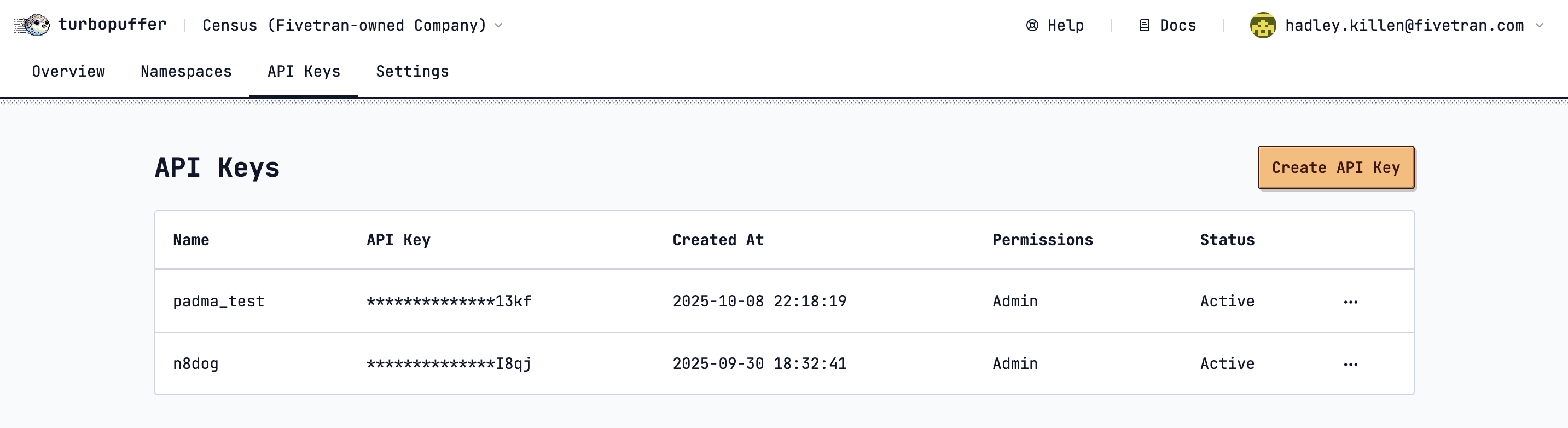
1. Collect your turbopuffer credentials
Activations needs the following information to create a turbopuffer connection:
2. Connect turbopuffer in Activations
- In Activations, navigate to Destinations
- Click the New Destination button
- Select turbopuffer in the dropdown list
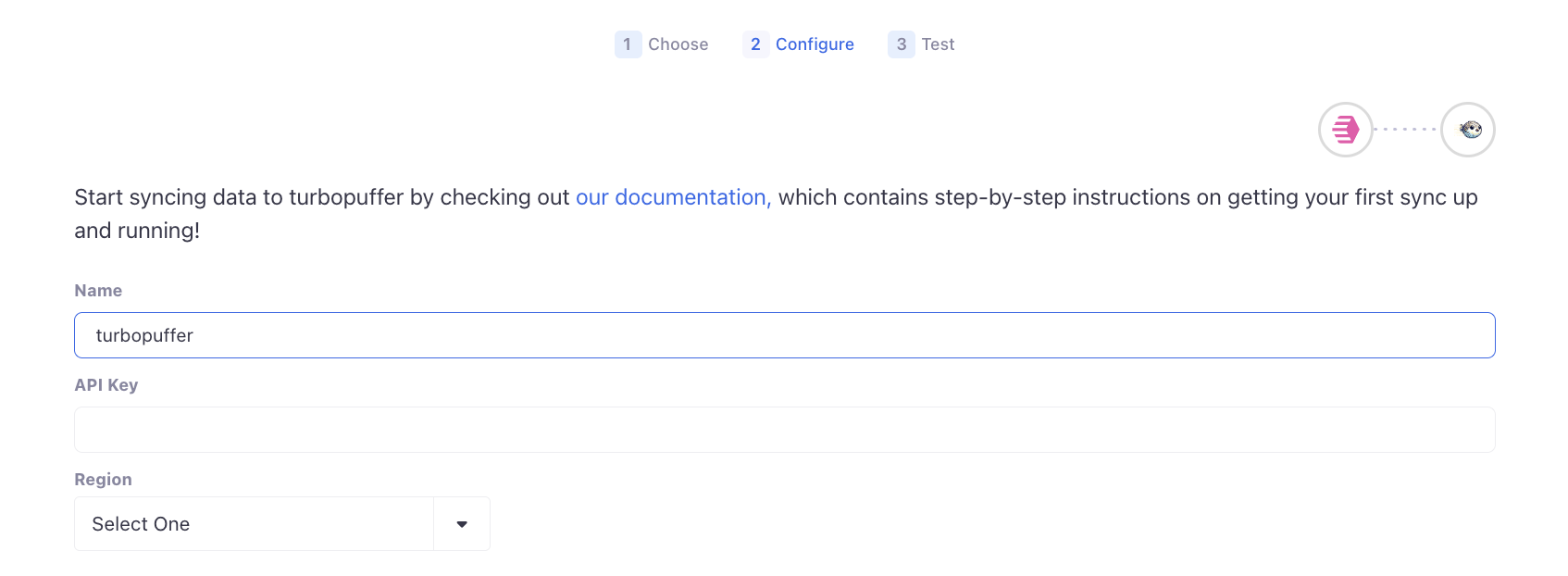
- Enter your credentials including the region where you'd like us to find and store your Namespaces and click Connect
You're all set!
If you have any questions during setup, or have a use case that is not covered, please reach out to Support
Supported Objects and Behaviors
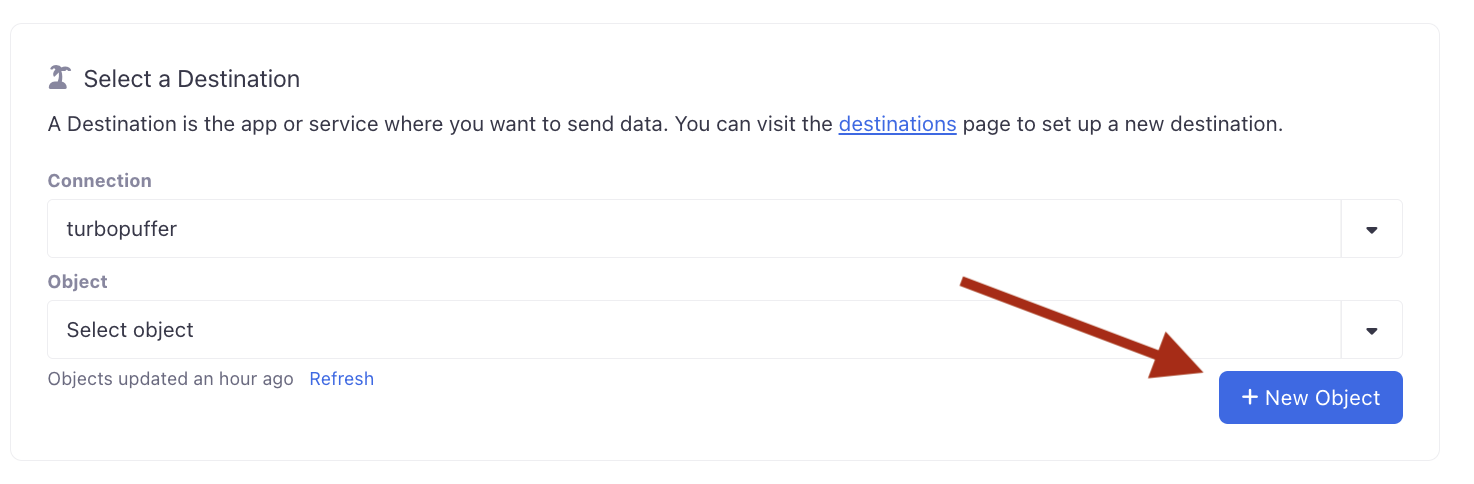
turbopuffer stores data within Namespaces. Your existing Namespaces in turbopuffer can be used as objects to sync to from Activations, and you can also create new Namespaces using Activations.
| Object Name | Supported? | Sync Keys | Behaviors |
|---|---|---|---|
| Namespace | ✅ | ID | Update or Create |
Advanced Configuration
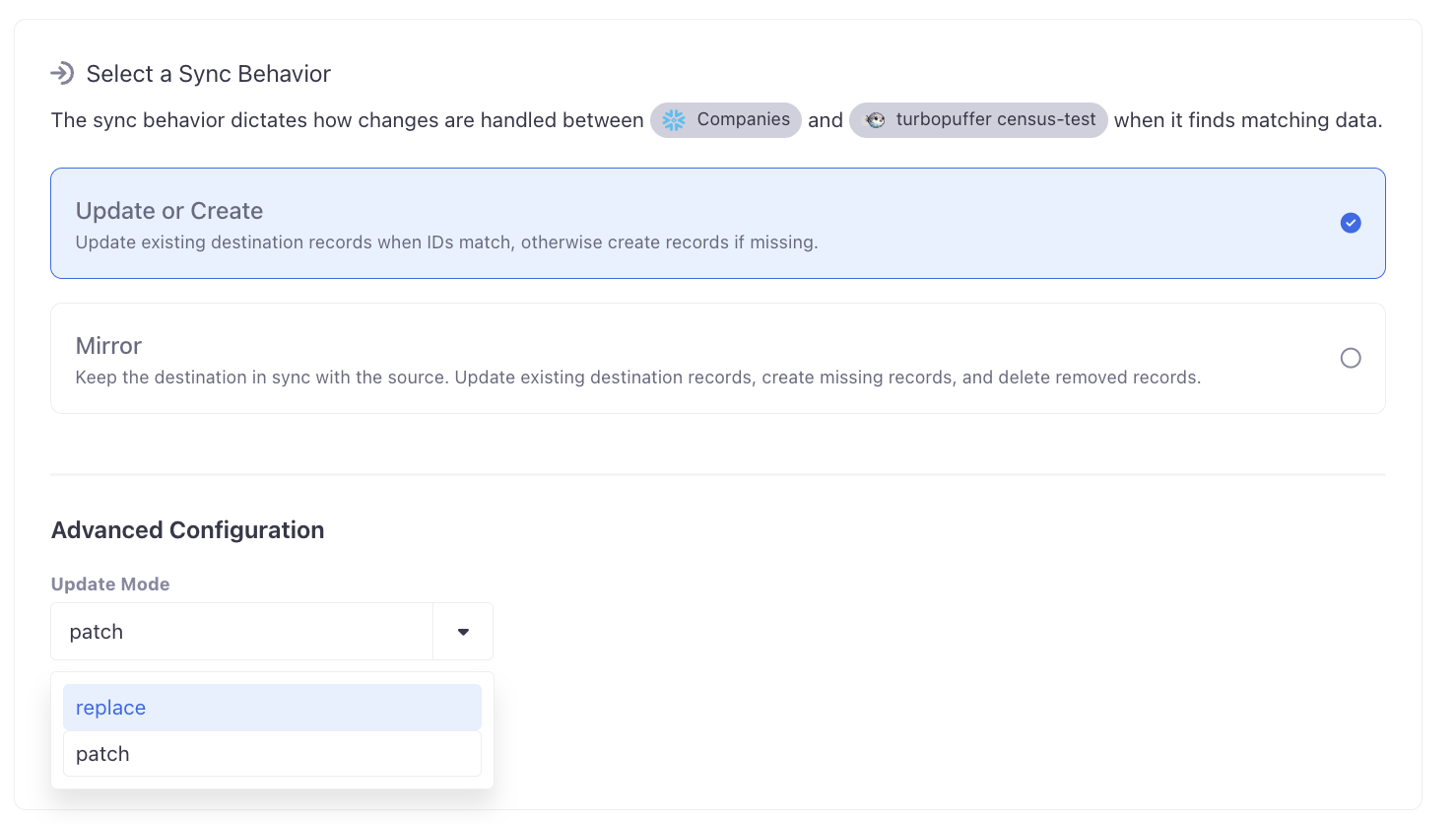
Update Mode
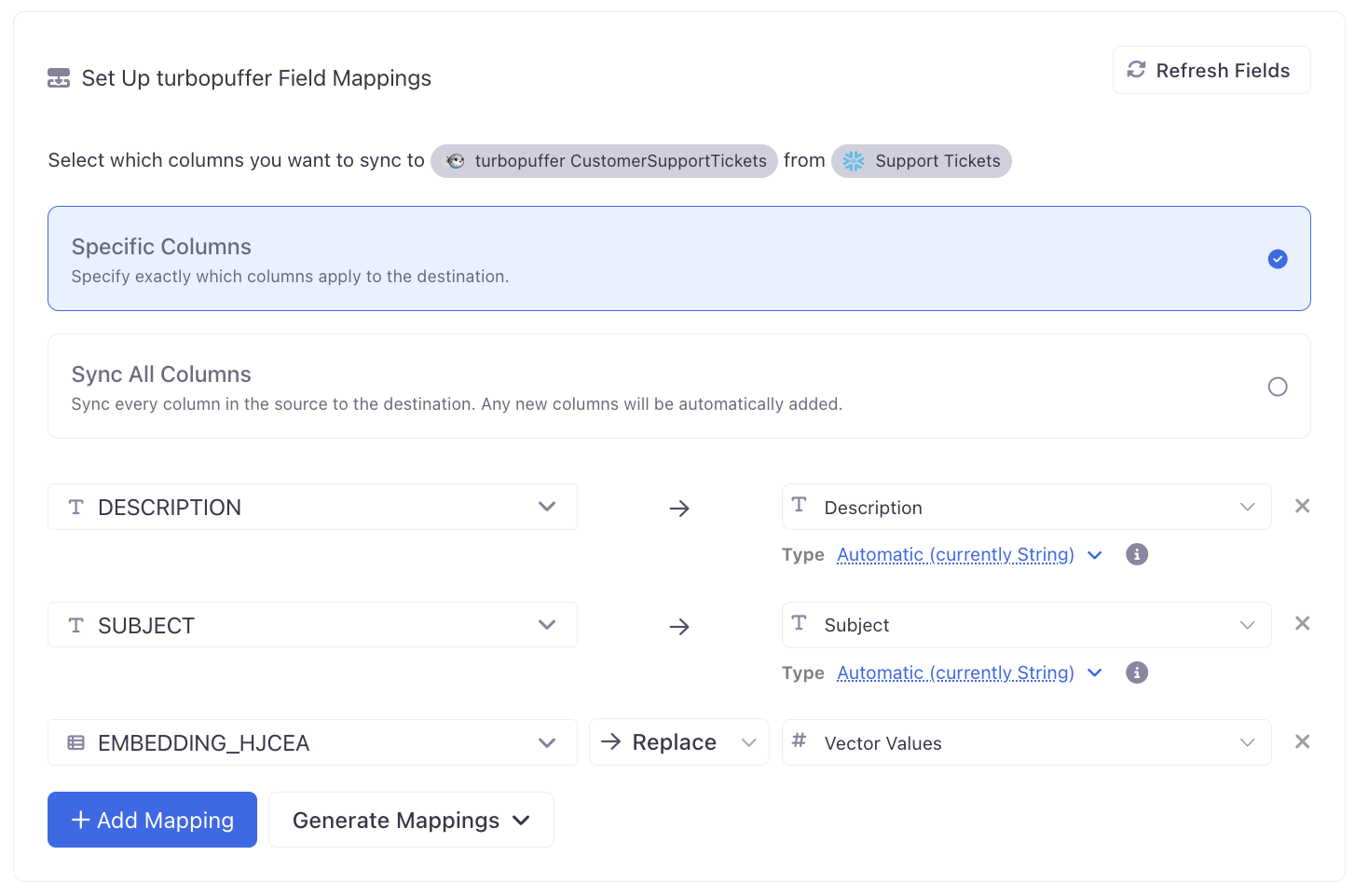
By default, Activations will update existing records in turbopuffer using patch mode, meaning only the fields being synced by Activations will be updated on existing records. However, turbopuffer does not accept updates to the Vector Values field in patch mode.
Alternatively, you can use replace mode to replace the entire existing record in turbopuffer. This will result in nullifying any fields on the record which are not synced to from Activations.
You can read more about the different write options in the turbopuffer docs.
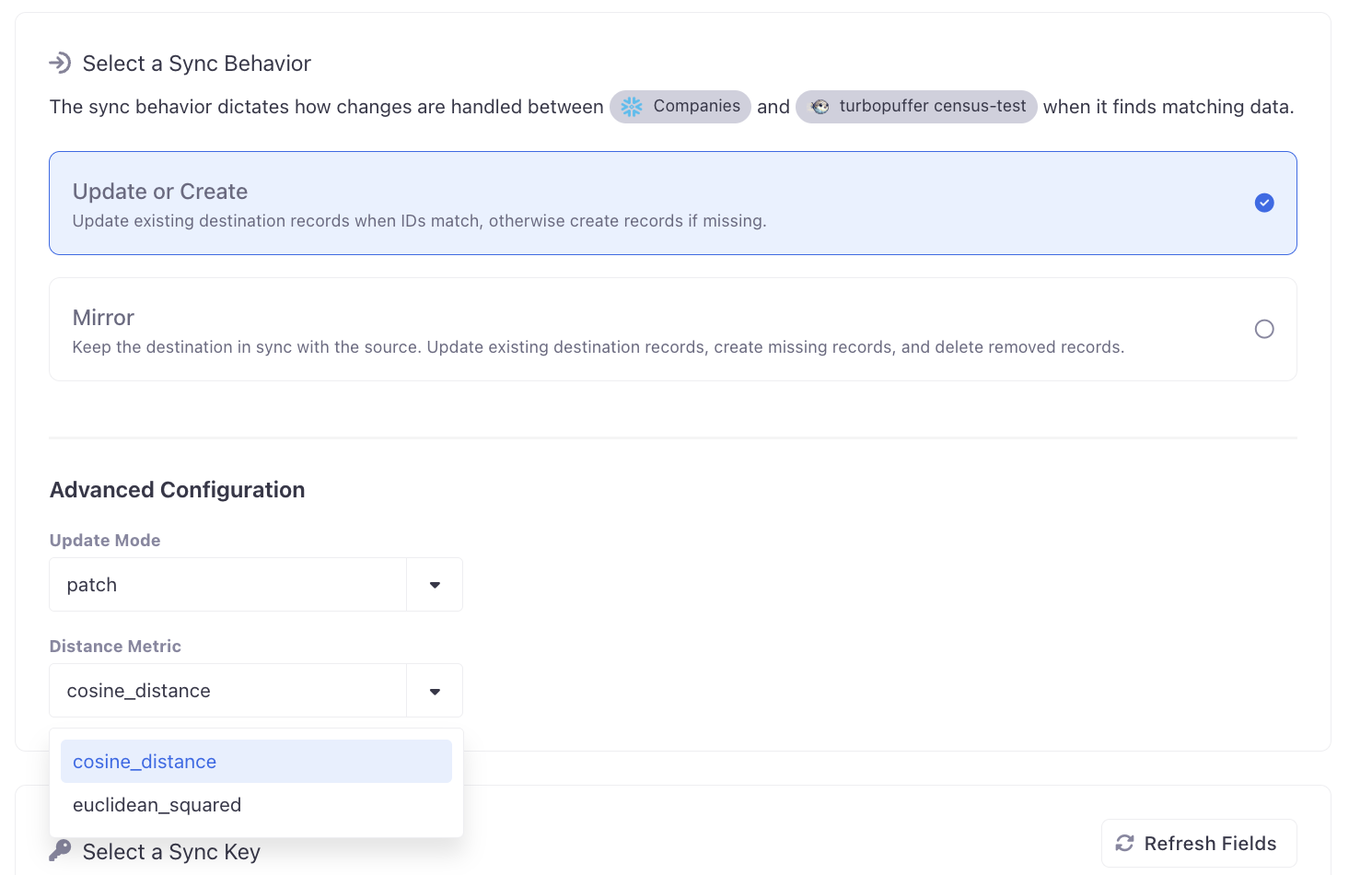
Distance Metric
The distance metric to create the new Namespace with, or the distance metric of the existing Namespace.
Syncing Vector Values
turbopuffer requires bringing your own vector embeddings via external embedding models. Activations supports enriching your dataset with vector embeddings via Embedding Columns. Use an embedding model to generate vector embeddings for your dataset, then sync your Embedding Column to the turbopuffer Namespace Vector Values field.