
Enterpret
This page describes how to use Activations with Enterpret.
Entepret is a Partner-Built Destination. See our docs for more info.
Enterpret
Getting Started
In this guide, we will show you how to connect Enterpret to Activations and create your first sync.
Prerequisites
- Have your Fivetran account ready. If you need one, create a Free Trial account now.
- Have your Enterpret
- account ready, with admin access to create API-only users and API credentials.
- Have the proper credentials to access to your data source. See our docs for each supported data source for further information:
1. Generate an API Token within Enterpret
Before setting up the Enterpret connection within Activations, you'll first need to generate an API key within Enterpret.
Further instructions on how to configure your API key within Enterpret available here! For instructions more specifically on syncing to Users and Accounts select there is additional documentation available here.
3. Adding API Key to Activations
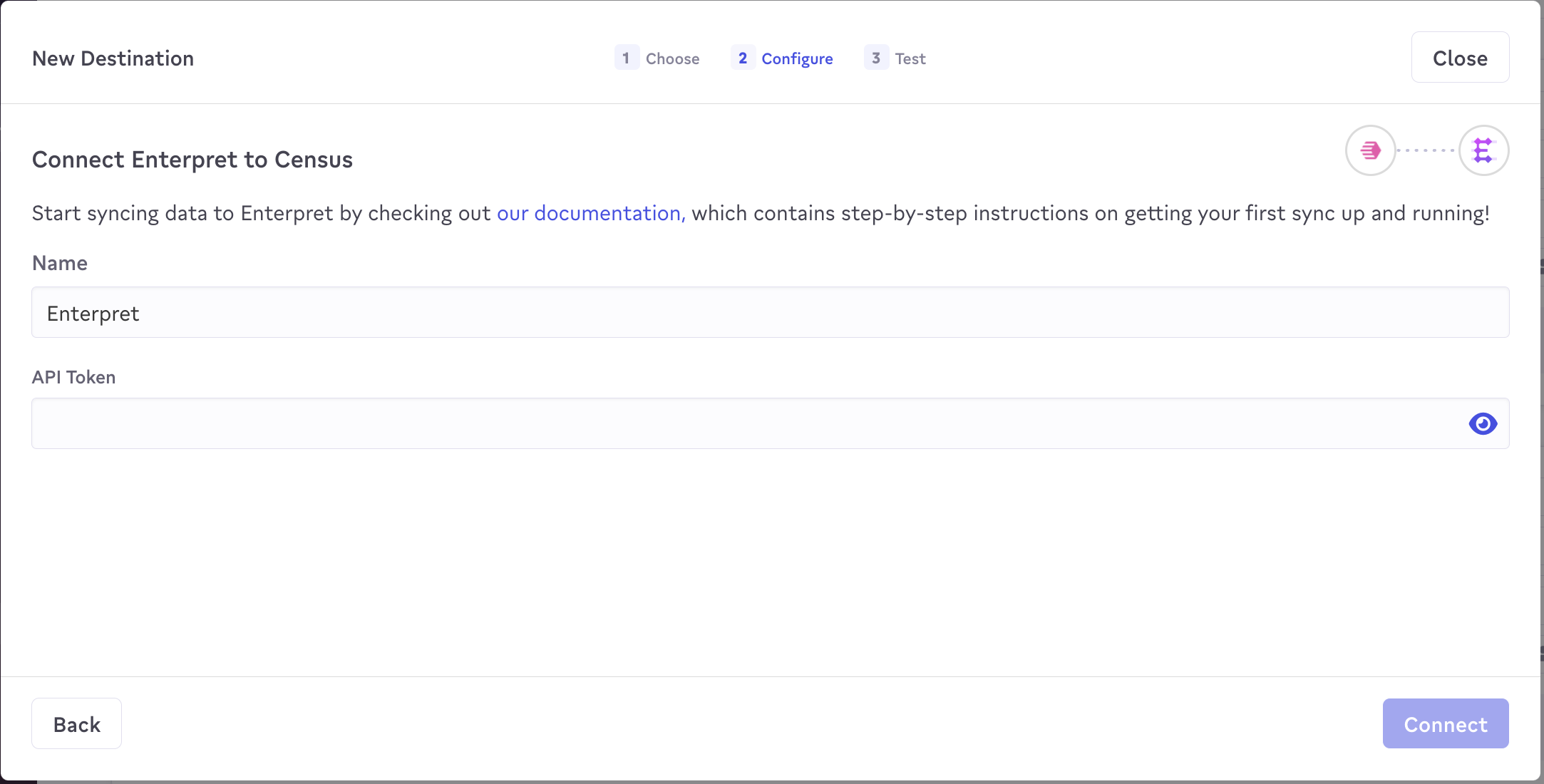
With your API key, return to Activations and visit the Destinations tab. Click on the New Destination button and select Enterpret from the menu. Copy and paste the value into the dialog and hit save. You should be clear to create a new sync!
Supported Objects
Activations currently supports syncing to the following Enterpret objects.
| Object Name | Supported? | Sync Keys |
| Account | ✅ | Id |
| Review Records | ✅ | Id |
| Survey Response Records | ✅ | Id |
| User | ✅ | Id |
Supported Sync Behaviors
Learn more about all of our sync behaviors in our Syncs documentation.
| Behaviors | Supported? | Objects |
| Create Only | ✅ | Account, Review Records, Survey Response Records, User |
| Update Only | ✅ | Account, User |
| Update or Create | ✅ | Account, User |