
Gladly
This page describes how to connect Activations to Gladly.
Getting Started
- Navigate to the Destinations page in Activations and click New Destination.
- Select Gladly from the menu.
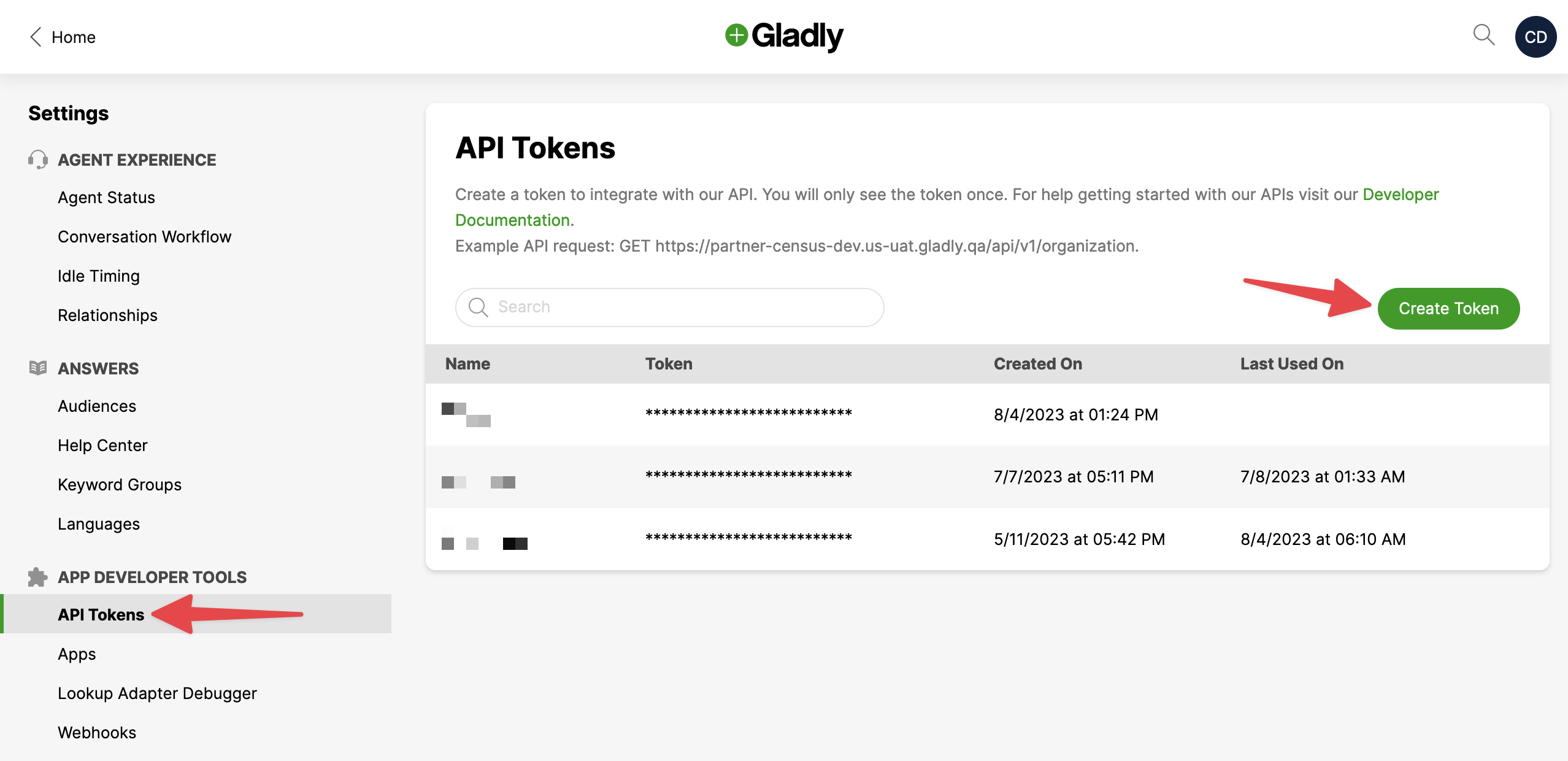
- Open Gladly in another browser tab and navigate to Settings > API Tokens. Create a new token and copy it to your clipboard.
- Return to Activations and enter your API Token along with your User and Organization. The former is the email address you log into Gladly with and the latter can be found in the URL when you're logged in (for example, https://your-org-name.us-uat.gladly.qa).
Enter your Gladly credentials into Activations.
Supported Objects and Behaviors
| Object Name | Supported? | Sync Key | Behaviors |
|---|---|---|---|
| Customer | ✅ | Customer ID | Update or Create, Update Only |
Contact Support if you want Activations to support more Gladly objects and/or behaviors.